

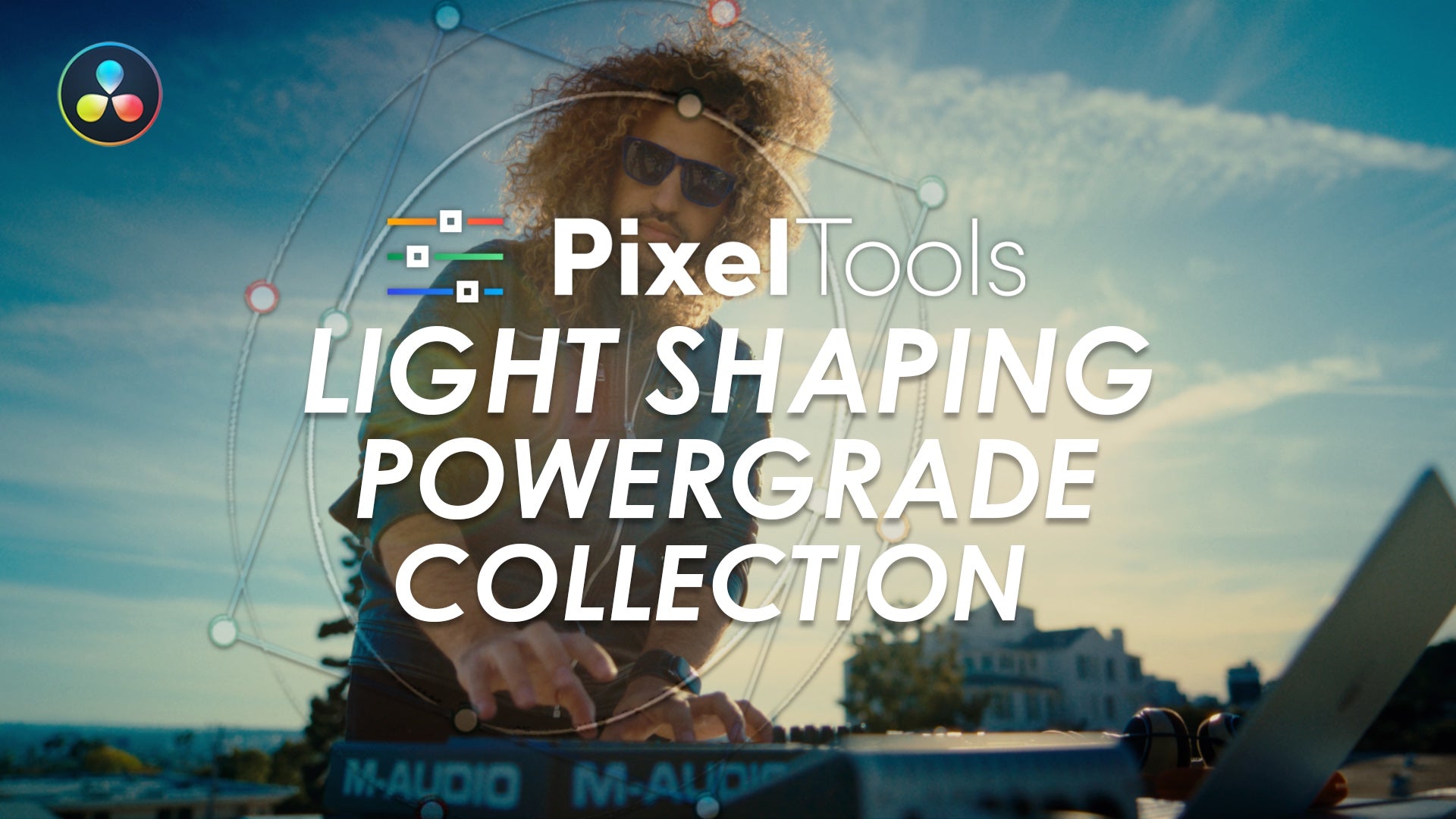
Light Shaping Collection
“A practical set of PowerGrades that helps speed up common relighting and viewer-attention techniques. Having them pre-configured saves time and helps maintain consistency across projects.”
Need a touch of relighting? You'll find everything you need here




PixelTools Perks™
Earn 5% back in store credit on every PixelTools purchase.
Automatic Rewards, Built In
Every PixelTools purchase automatically earns 5% store credit, added directly to your PixelTools account. Use your credit on any future PixelTools product, even during sales and discounts. No sign-up required.
5% Back on Every Purchase
No Sign-Up Required
60-Day Credit Validity

Our PowerGrades seamlessly integrate with Resolve Color Management (DaVinci Intermediate) and ACES workflows, ensuring accurate and consistent color management throughout your entire post-production pipeline.
Buy With Confidence
Professional tools, backed by a fair and transparent guarantee.
Our 7-Day Satisfaction Guarantee
Try PixelTools in your real-world workflow. If it’s not the right fit, we’ll help you get the most out of it. And if it still doesn’t match your needs, you’ll receive store credit to choose another PixelTools tool that better fits your workflow.
Built by Working Colorists
Trusted by 30,000+ Professionals
Fair, Transparent Exchange Policy
Frequently Asked Questions
What's included in the Light Shaping Collection?
The Light Shaping Collection includes 45 PowerGrade .drx files and a DaVinci Resolve project that installs them, built around 16 relighting presets. The tools let you reshape and relight an image after the shoot. You can add or subtract light, guide the viewer's eye, and rebalance exposure across the frame without going back on set.
What does "light shaping" actually do to my footage?
Light shaping means selectively adjusting brightness and falloff across the frame to change where the light appears to come from. The adjustments use realistic linear exposure, so added and subtracted light behaves the way it does in-camera and relit shots stay believable rather than looking painted on.
Do I need DaVinci Resolve Studio, or does the free version work?
The free version of DaVinci Resolve works. These are PowerGrades, not plug-ins, so they load in both the free edition and Resolve Studio. No Studio purchase is required to use the collection.
Which Resolve versions and platforms are supported?
The Light Shaping Collection supports DaVinci Resolve 17.4.6 and later on macOS, Windows, and Linux, and DaVinci Resolve for iPad 18.1.3 and later.
Is this a one-time payment or a subscription?
One-time payment. No Hassle Licensing — One-Time Payment, No Subscription, Free Updates. You own the collection and receive future updates to it at no extra charge.
How do I install and use the presets?
You get an instant download after purchase with the .drx files and the installer project. Open the included Resolve project to load all 45 PowerGrades into your gallery, then drag one onto a clip and refine it with the drag-and-drop controls built into each grade.