

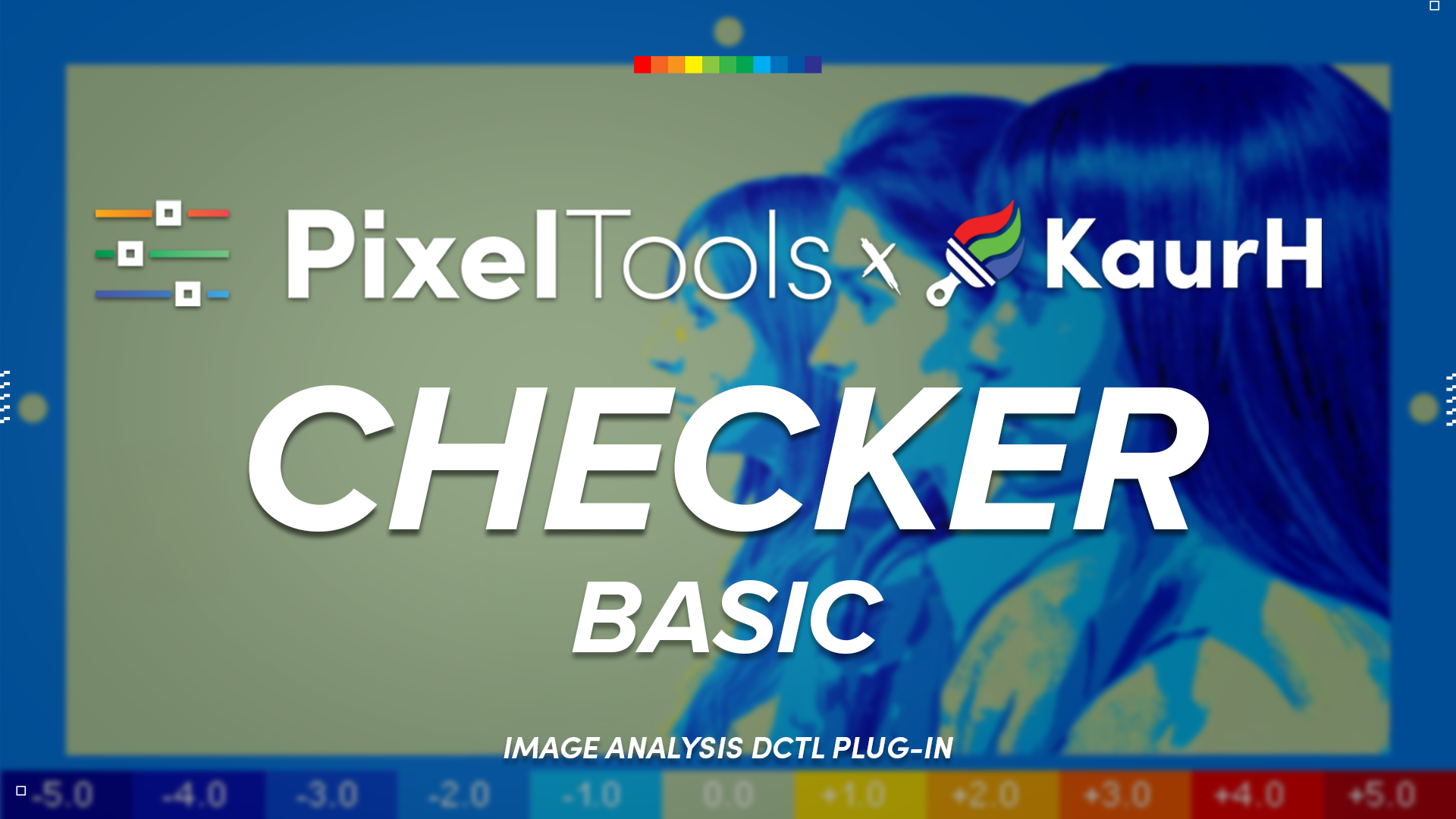


Checker DCTL Plug-In
The Checker DCTL plug-in is a powerful DCTL for image analysis and adjustment.
It includes:
- Skin Checker – Analyze skin tones and identify color inconsistencies
- False Color and Middle Gray Checker – Accurately assess and correct exposure
- Negatives Checker – highlights values outside the 0-1 range, NaNs and Infinite values
Whether you’re evaluating a single shot, scene, or an entire sequence, Our Checker DCTL can help you make faster, more informed, grading decisions.
Enjoy our Checker Tools? They’re built right into Prime/Grade™, our all-in-one primaries DCTL plug-in. You get powerful grading and analysis capabilities, all within a single node.
New to DCTLs? See our complete guide to DCTLs in DaVinci Resolve.

Compatible with
Color Managed Workflows
Works perfectly in RCM or ACES — simply select ACES or DaVinci Intermediate.
PixelTools Checker is an essential part of my daily workflow. I really appreciate that it’s available for free. Thank you.
Absolutely love the [scene referred] false color with stops!
Seriously great DCTL. Totally changed my workflow.

Checker
Five Ways to Read the Image
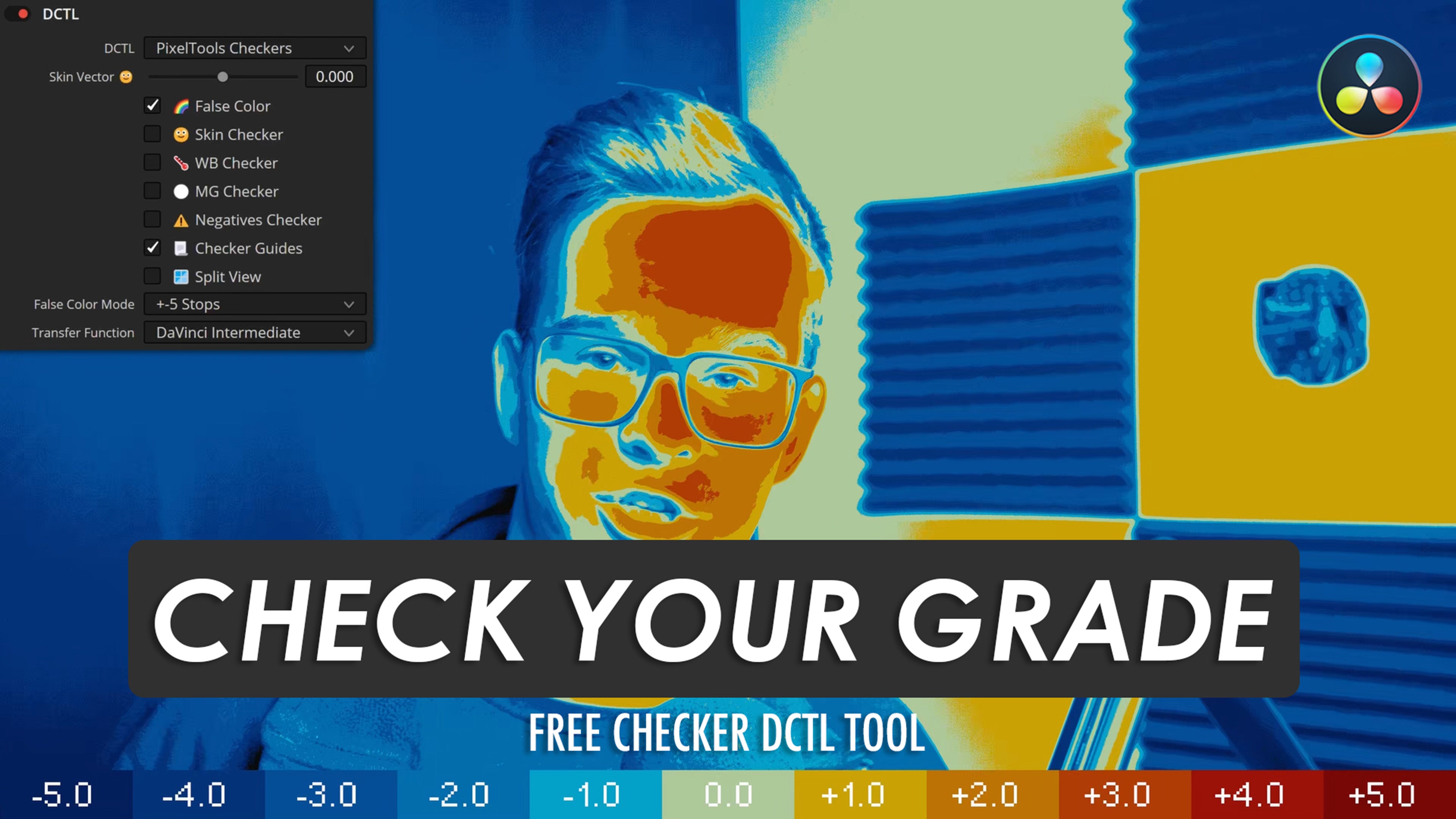
Checker is a free analysis DCTL for DaVinci Resolve. It gives you the same image-reading checkers the PixelTools primaries tool uses, on their own node: a ±5 stop False Color, Skin Tone, White Balance, Middle Gray and a Negatives view. Turn on the one you need, read the frame, then turn it off.
Checker Guides draw on-screen references so you know what each mode is showing, and a Skin Vector control tunes the skin read for your talent. It works in DaVinci Wide Gamut Intermediate and drops into ACES, RCM and CST timelines.
Checker DCTL — Frequently Asked Questions
What is the Checker DCTL?
A free DaVinci Resolve DCTL for image analysis. It bundles a Skin Checker (analyze skin tones and spot inconsistencies), a False Color & Middle Gray checker (assess and correct exposure), and a Negatives checker (flag values outside the 0–1 range, NaNs and infinities).
Is the Checker DCTL free?
Yes — it's a free download. Enter your name and email on this page and we'll send the download link straight to your inbox.
Does it require DaVinci Resolve Studio?
Yes. DCTL plug-ins load only in DaVinci Resolve Studio; the free edition can't run DCTLs.
What do the False Color and Middle Gray checkers do?
They map your image to false color and flag middle gray, so you can accurately assess and correct exposure across the whole shot.
What is the Negatives checker?
It highlights pixels with values outside the 0–1 range, plus NaN and infinite values — catching problem areas and broken plates before they cause issues downstream.
Which color spaces does it support?
The same wide range as our full tools — ACEScct, ARRI LogC3 & LogC4, DaVinci Intermediate, S-Log3, REDLogFilm and more — so analysis stays accurate in any color-managed workflow.
How do I install it?
The easiest way is the free PixelTools Installer — one click, no folder hunting. To install manually, drop the .dctl file into your DaVinci Resolve LUT folder, then apply it on a node via the DCTL OFX.
How is Checker different from Exposure/Chart™?
Checker analyzes your actual image (false color, skin tones, out-of-range values); Exposure/Chart™ generates a reference stop-ramp chart around middle gray. They're complementary — many colorists use both.